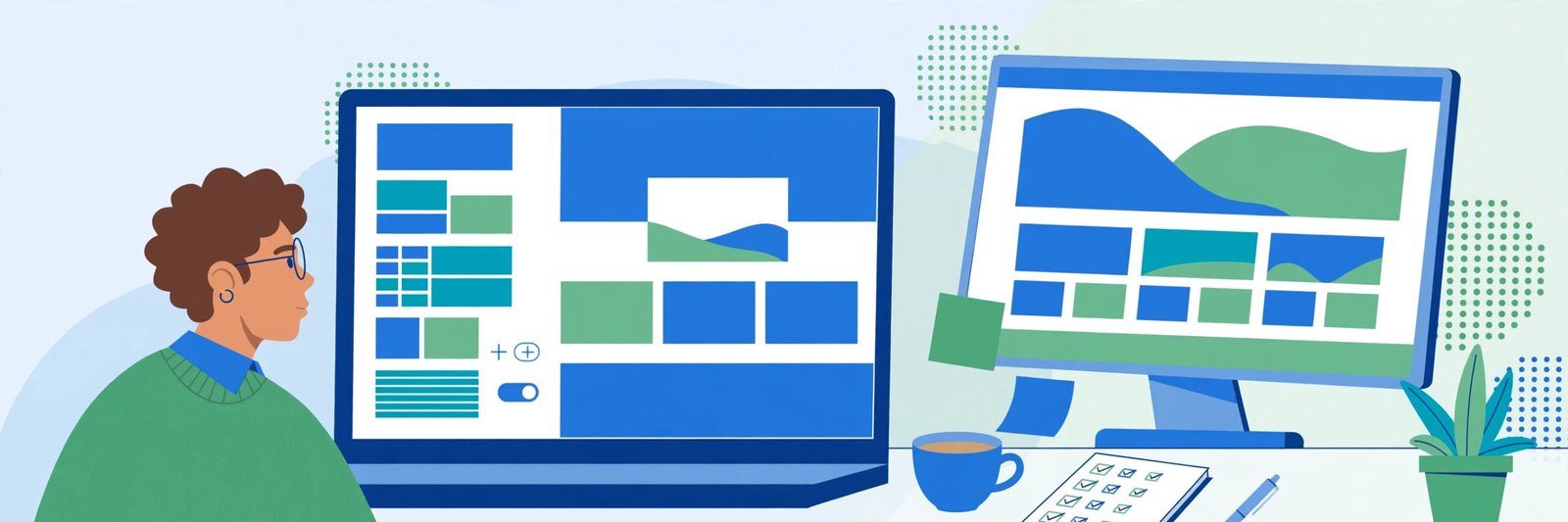
Why WordPress website development matters
If you run a small business, your website is probably the first thing a customer sees. For most Virginia businesses, that website runs on WordPress. It is the most common way to build a business website, and for good reason: it is flexible, it is well supported, and a good WordPress site can grow with your business for years.
But a WordPress website is not a finished product. It is a working tool, and it needs looking after. This guide explains what that means in practice: the maintenance your site needs, the speed basics that matter, the security basics that keep you safe, and how to decide between fixing your current site and rebuilding it.
You do not need to be technical to follow this guide. Each section tells you what to check, how often, and when to call for help.
Monthly maintenance: the jobs that keep your site working
WordPress websites need regular maintenance. Skip it for a year and small problems become big ones: a plugin breaks a page, a form stops sending, or the site goes down and nobody notices for a week.
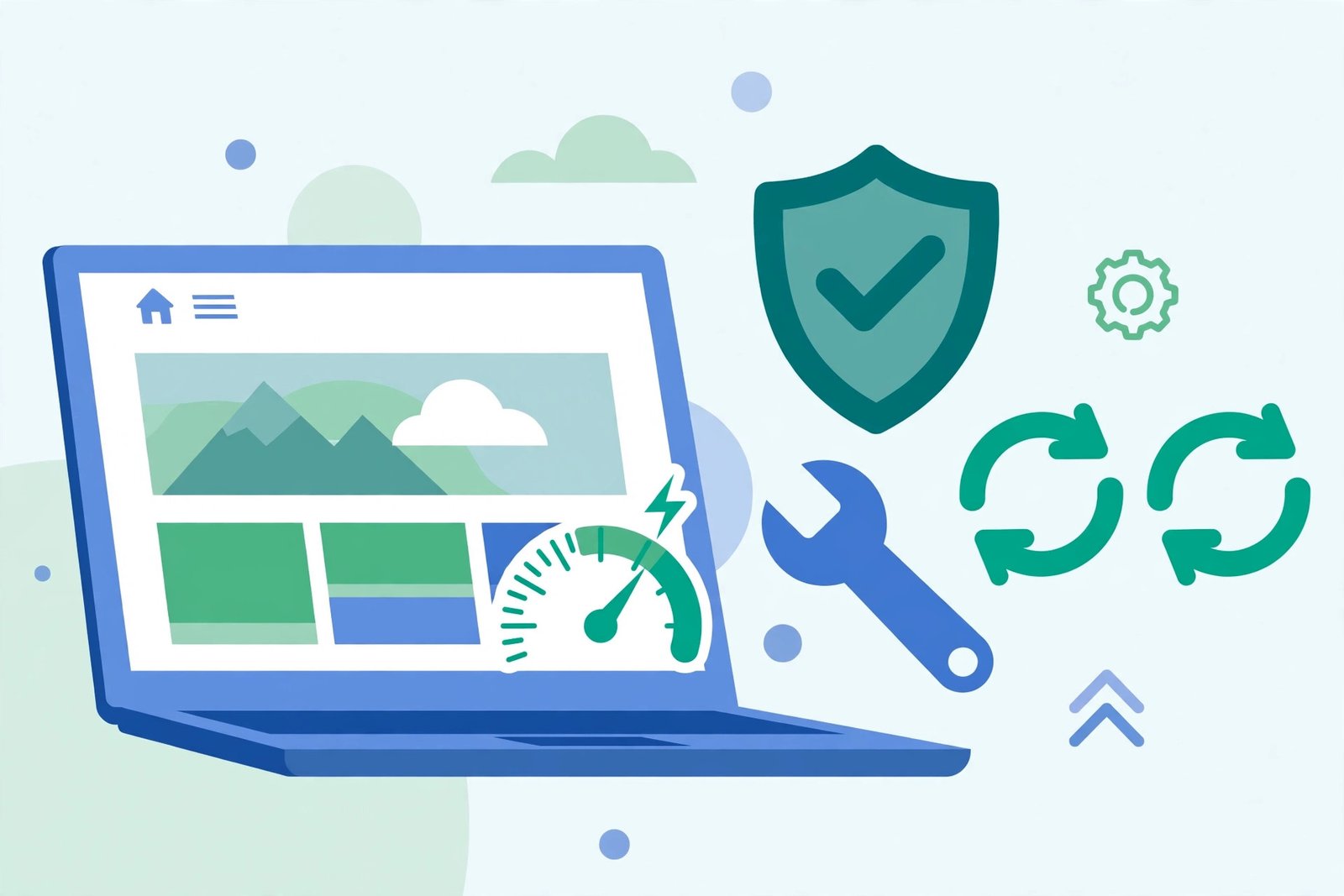
Here is a simple monthly routine that covers the basics.
Update WordPress, your theme, and your plugins. Updates fix bugs and close security holes. Before you update, take a backup. If an update breaks something, the backup lets you undo it. Update one thing at a time and check the site after each one, so you know which update caused a problem if one appears.
Take a backup and check it works. A backup you have never tested is not a backup. Once a month, confirm that a recent backup exists and that it can be restored. Store a copy away from your website, so a problem with your hosting does not take your backup with it.
Check your forms and links. Fill in your own contact form and confirm the message arrives. Click your main links and check they still go where they should. A broken contact form loses enquiries silently, and it is one of the most common problems we find on small business websites.
Review your plugins. Every plugin on your site is something to update, something that can break, and something that can slow the site down. Once a month, look at the list and remove anything you do not use. If two plugins do the same job, keep one.
Check your pages on a phone. Most of your visitors are on a phone. Open your homepage and your main service pages on a real phone once a month and look at them as a customer would. If text is hard to read, buttons are hard to tap, or images cover the words, fix it.
Speed basics: what makes a WordPress site slow
A slow website loses customers. People leave a page that takes too long to load, and Google notices. Speed is not a luxury for a small business website. It is part of the service.
These are the most common causes of a slow WordPress site, and what to do about each one.
Too many plugins. Every plugin adds work to every page load. A site with thirty plugins will almost always be slower than a site with ten. Remove what you do not need, and replace heavy plugins with lighter ones where you can.
Images that are too large. A photo straight from a camera can be several megabytes. A web page image should be a fraction of that. Resize images before you upload them, and use a format suited to the web. This one change often makes the biggest visible difference to load time.
No caching. Caching means your site stores a ready-made copy of a page instead of building it fresh for every visitor. Most good hosting includes caching, and there are well-known caching plugins for WordPress. If your site has no caching at all, adding it is usually the quickest speed win available.
Cheap or overloaded hosting. A WordPress site on the cheapest shared hosting will be slow no matter how well it is built. If your site is slow and everything else is in order, hosting is the next thing to look at. You do not need the most expensive plan, but you do need hosting that is set up for WordPress.
An old or heavy theme. Some themes load far more than they need to. If your theme is several years old and has not been updated, it may be holding your site back. A modern, well-built theme is lighter and faster.
How do you know if your site is slow? Test it. Free tools will measure your pages and tell you what is slow and why. Test your homepage and your two most important service pages. If the results are poor, work through the list above in order.
Security basics: keeping your WordPress site safe
WordPress is a popular target because it is popular software. Most attacks on small business websites are not personal. They are automated scans looking for sites that are out of date or easy to get into. The basics below stop most of them.
Keep everything updated. This is the same job as maintenance, and it is the most important security job there is. Most hacked WordPress sites we see were running an old version of WordPress, a theme, or a plugin with a known problem.
Use strong passwords and two-factor login. Every user account on your site should have a strong, unique password. The admin account should have two-factor login turned on, so a stolen password alone is not enough to get in.
Limit login attempts. A simple plugin that limits failed logins stops automated guessing. After a few wrong tries, the login is blocked for a while. This is a small change that blocks a large amount of automated attack traffic.
Only give access to people who need it. Every user account is a door into your site. Remove accounts for people who no longer work with you, and give each person the lowest level of access that lets them do their job. An editor account does not need admin rights.
Take backups, and keep them off the site. If something does go wrong, a clean backup is how you recover. Keep backups away from your website hosting, and test them, as described in the maintenance section above.
Do not install plugins from unknown sources. Only install plugins and themes from the official WordPress directory or from a supplier you trust. A free plugin from a random website can carry code you would not want on your site.
None of this needs to be complicated. Most of it is a one-time setup, followed by the monthly routine above.
When to fix your site, and when to rebuild it
Every small business reaches a point where the question is not how to fix the site, but whether fixing it is still worth it. Here is how to decide.
Fix it when the site is basically sound. If the design still suits your business, the structure makes sense, and the problems are specific, fix them. A slow site can be sped up. A broken form can be repaired. An old plugin can be replaced. Fixing is cheaper and faster than rebuilding, and it keeps the pages and rankings you already have.
Rebuild it when the foundations are wrong. Rebuild when the theme is no longer supported, the site was built by someone who is gone and nobody can change it safely, the structure does not match what your business does now, or the site looks wrong on a phone and cannot be fixed without starting over. A rebuild is also the right call when your business has changed, for example a new service, a new area, or a new way of working that the old site cannot show.
Rebuild it when fixing costs more than starting over. If the list of fixes is longer than the list of things that work, stop adding to it. A rebuild gives you a clean site, a modern theme, and a structure built around your business as it is now, not as it was five years ago.
A good test is to ask a developer for both numbers: the cost to fix, and the cost to rebuild. If the fix is close to the rebuild, rebuild. If the fix is a small fraction of the rebuild, fix. Any honest WordPress company in Virginia will give you both figures and tell you which one they would choose.
Choosing help: what to look for in a WordPress developer
Most small businesses need help with their website sooner or later. When you look for it, check three things.
First, can they explain their work in plain language? If a developer cannot explain what they will do and why, in words you understand, that is a warning sign. You should be able to follow the plan.
Second, can they show you real work? Ask to see websites they built or maintain, and look at them on your phone. A developer who cannot show you a single live site is not one to hire.
Third, do they know your market? Northern Virginia WordPress developers who work with businesses in Ashburn, Fairfax, Arlington, and Leesburg understand the local market in a way a distant freelancer does not. The same applies in Richmond and across Virginia. Local knowledge shows in the pages they build and the keywords they target. WordPress development Northern Virginia covers all of these cities, so the developer you choose should be able to show you work from your area, not just from somewhere else.
When you search, you will see listings under many names: a WordPress company Virginia businesses recommend, WordPress development Ashburn, WordPress development Fairfax VA, a WordPress agency Leesburg VA, or a Charlottesville WordPress developer. You will also see the shorthand WP Virginia in listings and directories. A search for custom WordPress websites VA returns dozens of providers. Shortlist the ones who can show you live sites, then check them against the three tests above.
If you already have a website on another platform and you are wondering whether WordPress is right for you, our Wix website design page explains the other side of that choice. The right platform depends on your business, not on fashion.
Frequently asked questions
Why WordPress website development?
WordPress website development gives a small business a website it owns, can change, and can grow. Unlike a rented website builder account, a WordPress site is yours: your content, your domain, your data. It works with almost any design, almost any feature, and almost any tool a business might need, from online booking to online shops. That flexibility is why so many Virginia businesses, from custom WordPress websites in Virginia to simple brochure sites, are built on it.
What is WordPress website development?
WordPress website development is the work of building and looking after a website on WordPress: choosing or building a theme, setting up pages and features, connecting forms and tools, and keeping the site updated, backed up, and secure. It covers both the build and the ongoing care. A developer who only builds and never maintains is only doing half the job.
How do I develop a WordPress site?
Start with the business, not the software. Decide what the site must do: what services it shows, what pages it needs, and what action a visitor should take. Then choose a theme and the plugins you need, build the pages, and test them on a phone. If that sounds like a lot, it is. A WordPress development company in Northern Virginia can handle the build, and a maintenance plan can handle the ongoing care, so you can run your business instead of your website.
Get started
If your WordPress website needs maintenance, speed work, security fixes, or a rebuild, talk to us. Tell us about your business and your website, and we will tell you honestly what it needs, what it will cost, and how long it should take.
Get a free quote | [PHONE] · [EMAIL] · [ADDRESS]
*WebMagnify Agency: WordPress development for Virginia businesses. Serving Norfolk, Richmond, Virginia Beach, Northern Virginia, and businesses across Virginia. Back to the homepage.*